Loved by 1k+ users


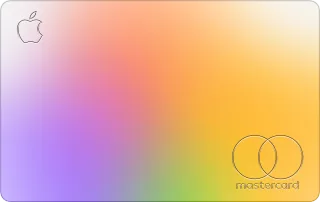
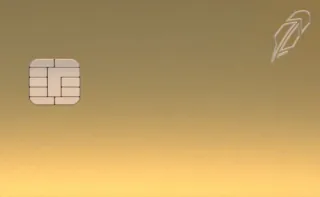
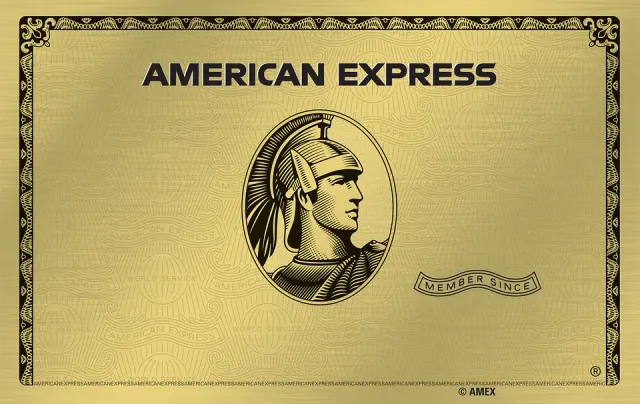
Meet CardwrapperWear any design on your Apple Wallet cards
Pick a design, plug your iPhone into your Mac or PC and apply it. Your card in Apple Wallet wears it from then on.


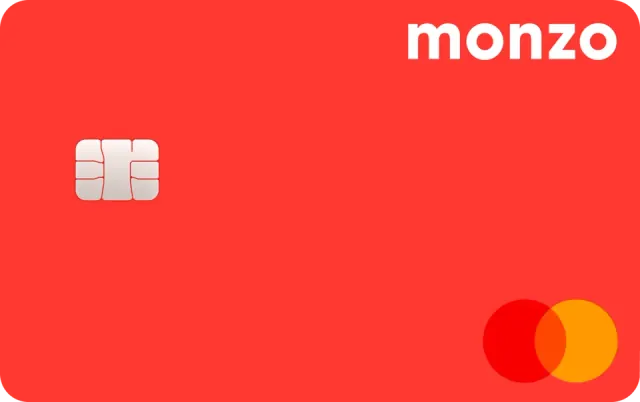
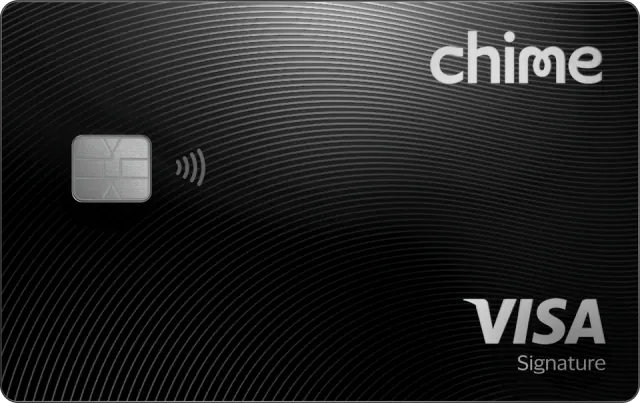
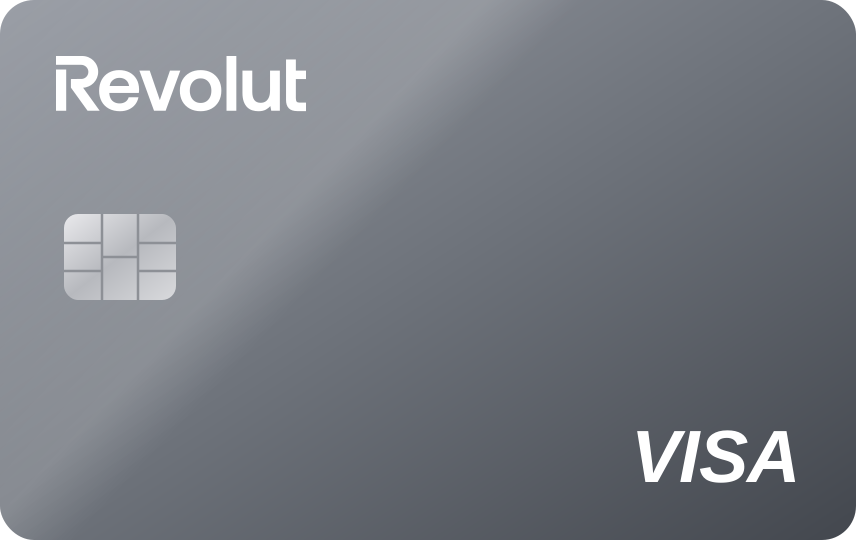

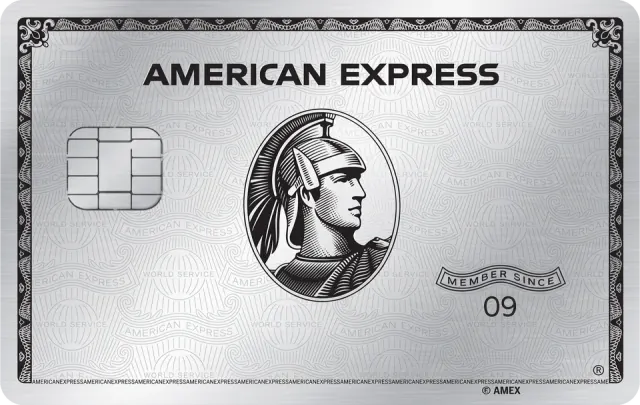
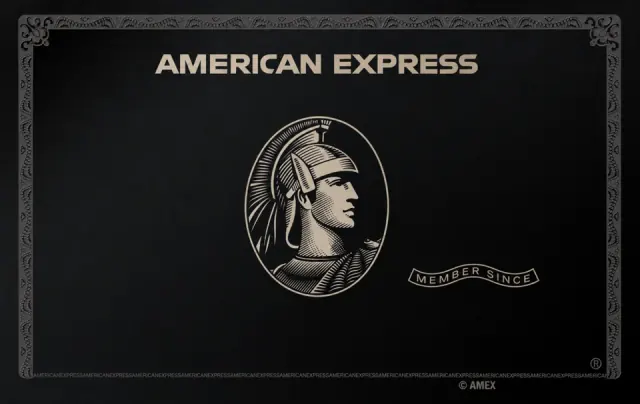
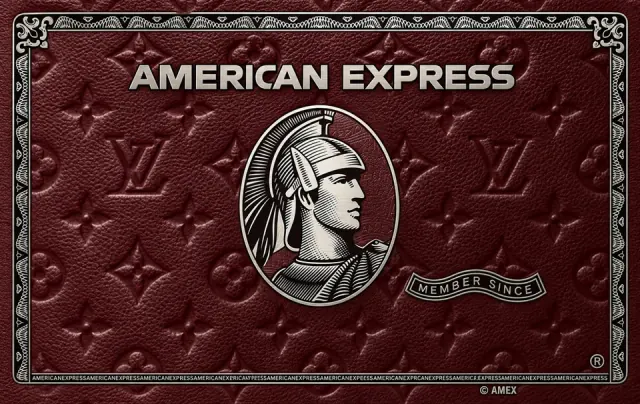
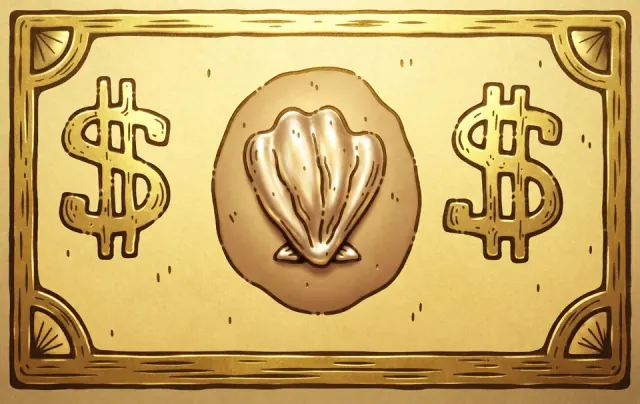
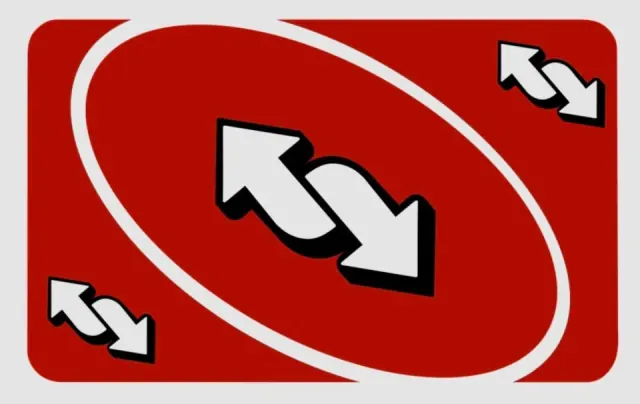
Pick from over 400 designs 👀
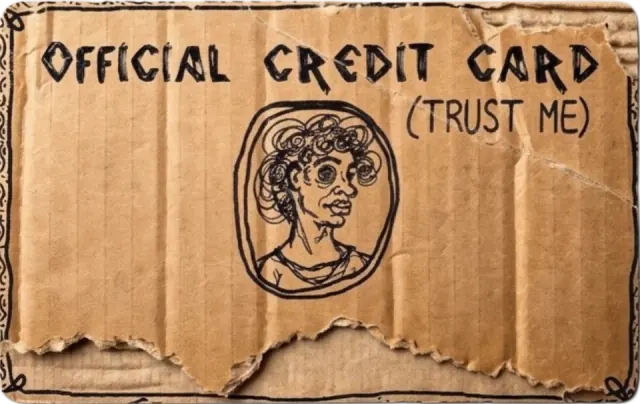
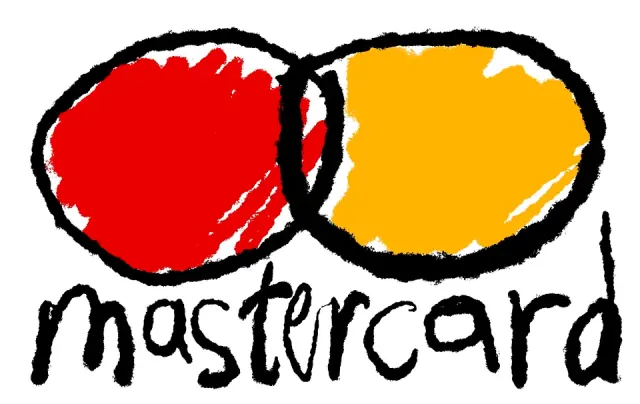
What does Cardwrapper include?
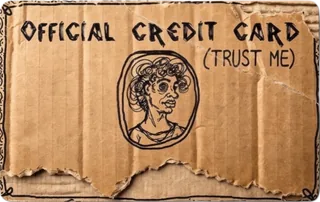
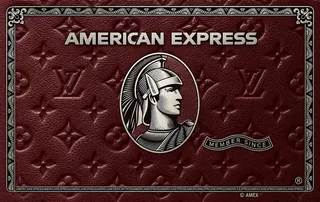

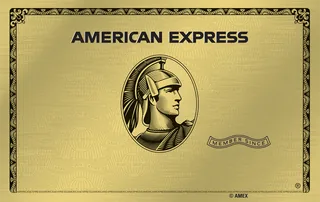
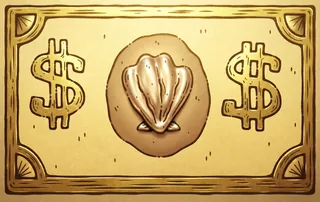

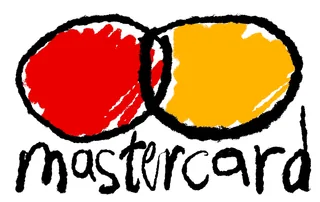

Why choose Cardwrapper?
The simplest way to give your Wallet a new look.
Takes a minute
Pick, plug in, apply. The app walks you through it, and you're done before your coffee is.
Stays on your device
It runs on your own computer. Your cards and their details never leave it.
Pay once, keep it
No subscription, ever. Your license key is yours, and Lifetime unlocks every design.
Every design
A Wallet that
looks like you ✨
Stack them up. Every card can wear its own design.
Three steps, about a minute
Choose a card, a tone and a finish. You see it exactly as it will look.
Install Cardwrapper on your Mac or Windows computer and enter your license key.
Connect your iPhone with a cable, pick the card in your Wallet and apply the design.
Pay once, keep it
No subscription, ever. Your license key is yours to keep.
Lifetime
$29.99 $59.99
Every design, forever
- Every card in the library
- Switch designs whenever you like
- Every tone and finish
One card
$14.99
The design you pick, on one card
- One design, applied to one card
- Your tone and finish, baked in
- Restore the original anytime

Download Cardwrapper
Enter the license key from your email or card page to download.
No key yet? Get your license key
Will it work on your iPhone?
Tap your iOS version for an instant answer. You'll find it in Settings → General → About.
See the full compatibility list Hide the list
iPhones
- iPhone XS and newerXS, XR, SE (2nd gen) and every model after. From 2018 onwards.
- iPhone X and olderCan't run iOS 18, so not supported.
iOS versions
| Version | Status |
|---|---|
| iOS 18 | Works |
| iOS 26 | Works |
| iOS 27.0 – 27.0.1 | Works |
| iOS 27.1 | Not supported |
| iOS 27.2 beta 1 – 2 | Works, beta |
| iOS 27.2 beta 3+ | Not supported |
Apple can change what the app can do with each iOS update. If you want to be safe, stay on an iOS version from the Works rows above. The app lets you restore the original card artwork whenever you like.
Frequently asked questions
The questions we hear most.
What do I need?
An iPhone with your card in Apple Wallet, a Mac or Windows computer, and a cable to connect them.
Does it work with my card?
Yes. You can put a design on any card you already have in Apple Wallet.
Can I change the colour of a card in Apple Wallet?
Yes. Pick a design, then change its colour tone and finish before you apply it. The card in your Wallet shows the look you picked.
Does it change my actual card?
No. It only changes how the card looks in Apple Wallet on your iPhone. Your card, your bank account and the way you pay stay exactly the same.
Do I need to jailbreak my iPhone?
No. You install the app on your Mac or Windows computer, plug in your iPhone with a cable and apply the design. No jailbreak.
Is it a subscription?
No. You pay once and the license key is yours. Lifetime unlocks every design, One card unlocks the design you picked.
How does the license key work?
You get the key right after paying, on your card page and by email. Enter it the first time you open the app. A key works on one computer.
Can I change the design later?
Yes. With Lifetime you can switch to any design whenever you like.
Can I go back to my original card?
Yes. Restore the original card artwork from the app whenever you want.
I paid but I can't find my license key
It's on your card page and in the email we sent right after you paid. Check spam, or write to support@cardwrapper.com and we'll send it again.